
 Explore
 Write
Write Chat
Chat Call
Call
OIT News
Service navigation
Microsoft Excel and Accessibility
When you’re updating your Microsoft PowerPoint and Word documents for accessibility, remember to make your Excel Worksheets accessible as well. Elements such as sheet tabs, tables, and PivotTables should be reviewed to ensure they can be accessed by everyone.
A helpful first step is to open the Accessibility Assistant while you work. This extra pane will offer real-time accessibility feedback on your content.
Additional steps to make your Excel Worksheets accessible include:
Please note that the following links open in the OIT Knowledge Base.
Worksheet
How to:
Name Your Worksheet

PivotTable
How to:
Name Your PivotTable
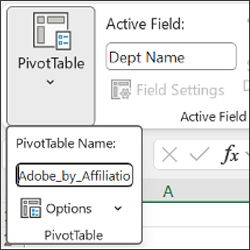
PivotChart
How to:
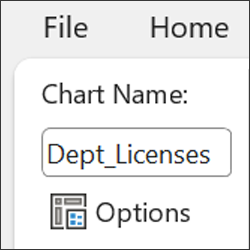
Name Your PivotChart
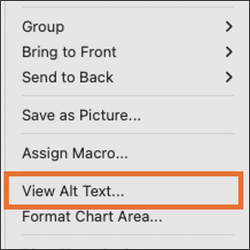
Alt Text
How to:
Add Alt-Text to Charts
Avoid Merge Cells
How to:
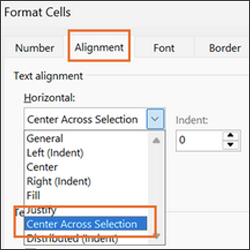
Use Center Across Selection
Learn More
More information on these accessibility features can be found within Microsoft’s Accessibility Best Practices with Excel Spreadsheets.