
 Explore
 Write
Write Chat
Chat Call
Call
OIT News
Service navigation
Canvas Profile Pictures Now Available
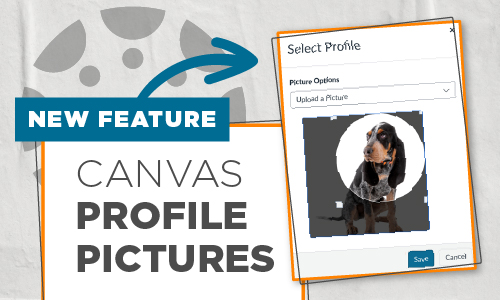
A feature recently enabled within our Online@UT (Canvas) environment is already gaining positive traction. If you haven’t started seeing user profile pictures appearing next to names, hopefully you will soon as the word spreads. At the start of the spring semester, Canvas administrators enabled the Profile Picture feature for users. A long-overdue request has finally been approved, and users can now add their profile pictures!
Profile pictures will appear throughout the Canvas learning environment, including the Discussion Board and People pages. It is a great way to personalize your own Canvas identity. Only appropriate professional photos of yourself are acceptable.
Please know, the Office of the University Registrar and the Office of Innovative Technologies Canvas Advisory Board have determined that UTK instructors cannot require students to upload their profile pictures, and users in Online@UT (Canvas) are not obligated to add a profile picture.
Visit the Canvas: Profile Pictures Knowledge Base article for instructions, picture tips, and how to report inappropriate pictures.