
 Explore
 Write
Write Chat
Chat Call
Call
OIT News
Service navigation
Teaching This Summer? Use classrooms.utk.edu
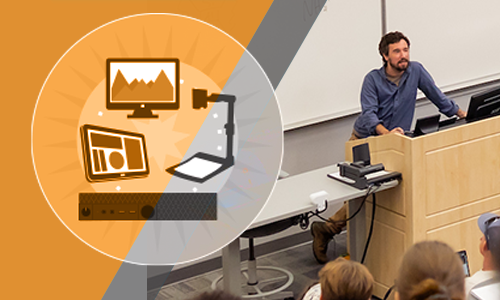
If you need help with using the technology in your classroom, check out the classrooms.utk.edu website. You’ll find individualized guides for every campus-hosted classroom as well as general resources for helping you with the technology you will find in most departmental classrooms. This comprehensive classroom guide includes step-by-step resources on how to record lectures and get the most out of your classroom technologies.
An additional accessibility resource is available for each classroom. Look for the Classroom Access icon to visit the UTK Classroom Accessibility website. This internal website includes maps to assist you with physically accessing the classrooms, detailed photos of the rooms, and much more.
Need more help? Request a one-on-one consultation