
 Explore
 Write
Write Chat
Chat Call
Call
Training
LinkedIn Learning Collections & Pathways
Service navigation

Learn Microsoft 365 Applications with LinkedIn Learning
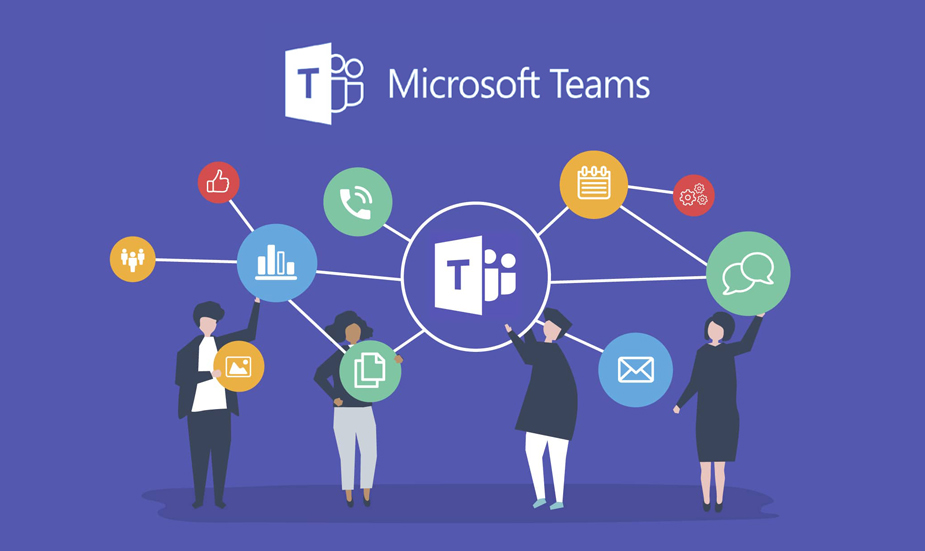
Getting Started with Microsoft Teams
Microsoft Teams is a powerful collaboration platform designed to enhance communication and productivity. It brings together chat, video conferencing, file sharing, and integration with other Microsoft 365 apps into one cohesive workspace.
This curated LinkedIn Learning Collection includes informative videos that Teams users may find beneficial in sharpening their skills and leveraging foundational aspects that this communication tool has to offer. Each video in this collection is around 5 minutes in length, so you can pick up insights in your spare moments!

Getting Started with Microsoft Word
Get up to speed quickly with the basics of Microsoft Word. This collection offers a quick survey of the most common features needed to create, edit, and format text to produce professional documents.
M365 On The Go
Microsoft Office on Mobile Devices – Plan your week and finish your projects on the go with the Office mobile apps. Microsoft offers the same great productivity tools you use on your desktop in a suite of free apps designed specifically for iOS. In this course, Jess Stratton shows you how to use the latest features of Word, Excel, PowerPoint, OneDrive, and Outlook on your iPhone or iPad.
Power BI Data Dashboards
Power BI is a powerful data analytics application for modeling data and creating data visualizations. To truly leverage the power of Power BI, you need to use your visuals impactfully to communicate trends and analysis to make decisions. In this course, data analytics and business analysis expert Helen Wall focuses on the Power BI dashboard, where users interact with charts and graphs that communicate trends in their data. Go over building data dashboards, setting up the Power BI model and ecosystem, and choosing colors. Explore various tools to work with and data and visualize it. Learn ways to compare multiple values, and dive into the mapping options available to you. Find out how to customize tooltips, configure chiclet slicers, display Top N rankings, and more, to put it all together in your own dashboard. To wrap up, learn how to share your work with a phone view, publish to the Power BI service, and share Power BI models.
AI-Powered Coaching

LinkedIn Learning has introduced an AI-powered coaching chatbot that provides professionals personalized learning advice and resources in real time. The chatbot can answer learners’ questions in real time, referencing the entire LinkedIn Learning library of resources to provide expert-informed answers and links to relevant courses and additional information. The chatbot can provide highly personalized insights and course recommendations based on the learner’s feedback. The AI-powered coaching tool provides tailored advice based on specific job titles, career goals, and skills. This feature is being tested for leadership and management skills, with plans to expand to other areas. You can access the AI-powered coaching feature in the left-hand navigation bar of the LinkedIn Learning homepage.
LinkedIn Learning: Artificial Intelligence Professional Certificates
Ready to support your growth in the age of AI? LinkedIn Learning continues to open doors for learners to expand their skills, explore new areas, and stay competitive in a rapidly evolving digital landscape. With an expanding collection of AI‑focused courses, you can build practical knowledge in artificial intelligence while earning a professional certificate entirely through LinkedIn Learning. This opportunity helps learners stay ahead of emerging trends

In-Demand Artificial Intelligence (AI) Certificate Learning Paths: This opportunity helps learners stay ahead of emerging trends and strengthen their skills for the future.
This is great opportunity for faculty, staff, and students to strengthen their AI skills for the future.