
 Explore
 Write
Write Chat
Chat Call
Call
What is it?
All students in the class meet with the Instructor in the physical campus classroom as a single group at every class meeting.
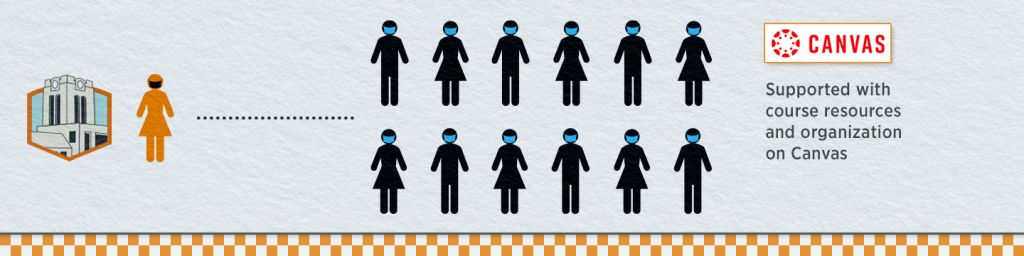
The best way to be prepared for any teaching/learning scenario is to create a robust Canvas site for your course. Doing so will provide you and your students the flexibility to fully participate regardless of the delivery mode (Face-to-face, Hybrid, Online).
- Includes an inviting course Homepage.
- Employs a course template designed by OIT to help structure your course site.
- Uploads course content to include recorded lectures, PowerPoints, links to external web resources and other materials.
- Creates assignments that are automatically linked to the gradebook and the course calendar and establish a standard method for students to submit assignments.
- Creates online assessments using the Canvas quiz tool, in which quiz questions and distractors can be randomized to create unique student attempts.
- Delivers live lectures and conducts office hours online in Zoom.

These Canvas resources can help you create a robust Canvas site:
- Complete the online Canvas Training for Faculty and Staff at your own pace (log in with NetID/Password).
- Explore OIT’s Online@UT (Canvas) Resource Guide to familiarize yourself with using Canvas.
- Teaching Online Reboot: Canvas and Zoom Learn the general framework for easily creating Canvas course sites by applying a new course template as well as techniques to manage the online classroom environment using Zoom.
Accessing the UTK Canvas Course Template
- Log in to Online@UT (Canvas).
- Select the Commons icon in the grey navigation bar underneath the Power T.
- In the search box, enter UTK Canvas Course Template.
- Select the course card to see a preview.
- Select Import/Download button.
- In the pop-out window, place a checkmark next to the course site you wish to import the template into.
- Select the Import into Course button.